Installation
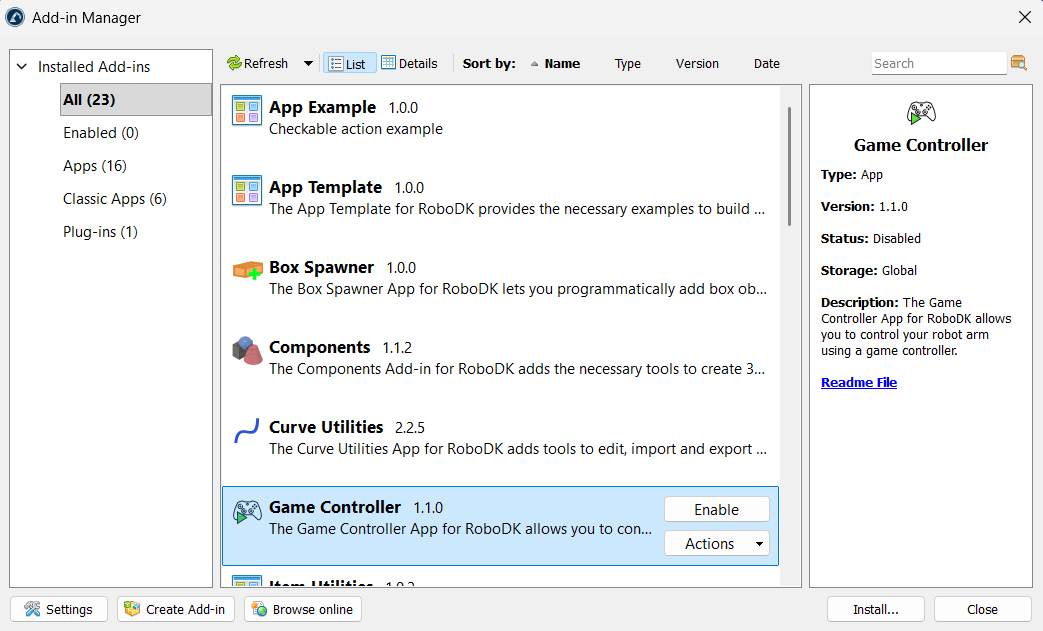
You can install the Game Controller Add-in from the RoboDK Online Library. Another way to do this from RoboDK software itself is by going to Tools-Add-in Manager and Enable the Game Controller add-in.
Note: The second method might not work in some older versions of the software. Make sure you have the latest version installed.
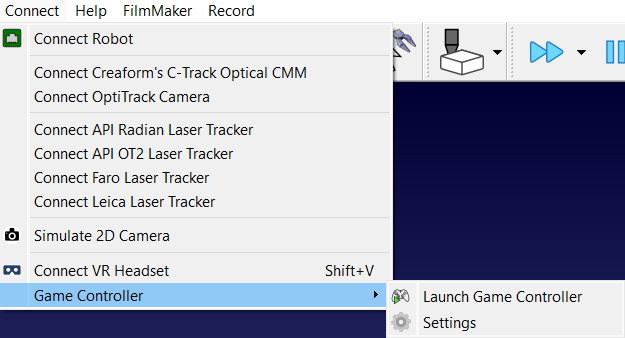
After installation, the Game Controller options can be found in the Connect menu. You can also find the Launch Game Controller icon in the toolbar.