Installation
You can install the Item Utilities Add-in from the Add-in marketplace. You can also install it from RoboDK itself: select Tools ➔ Add-in Manager (Shift+A), then find and enable the Item Utilities Add-in.
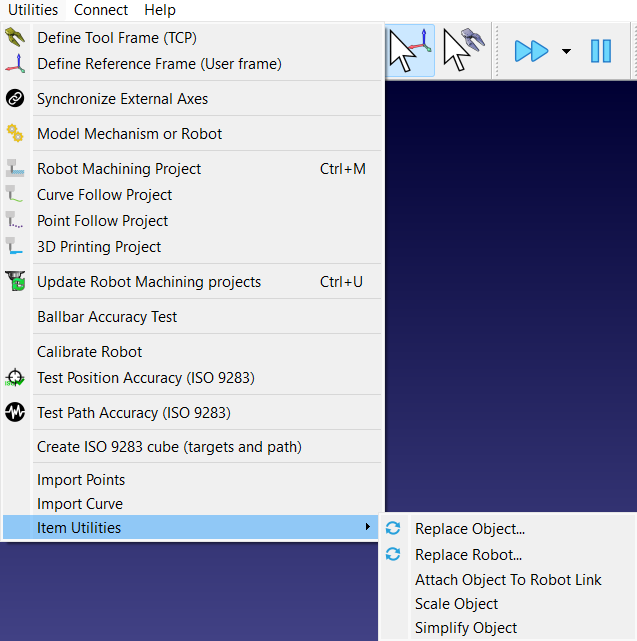
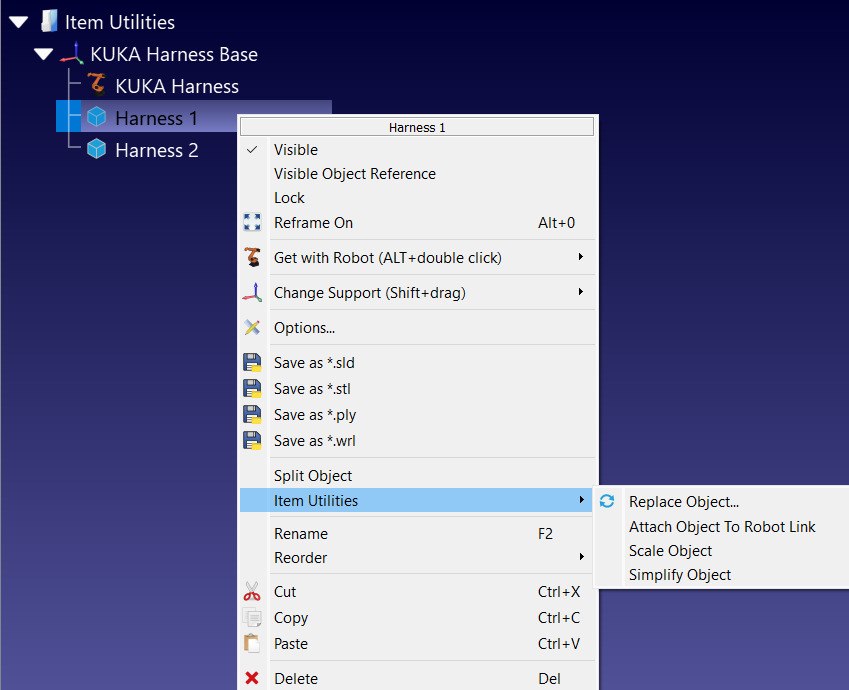
Once the Add-in is enabled, its actions are grouped under Utilities ➔ Item Utilities in the menu bar. The same actions are also available by right-clicking an item in the 3D view or in the station tree, under an Item Utilities submenu. Each action only appears on the item types it supports, so right-clicking an object offers Replace Object..., Attach Object To Robot Link, Scale Object and Simplify Object, while Replace Robot... only appears on a robot. Reference frames, targets and programs have no Item Utilities entry.