Scale Object
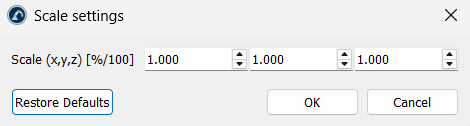
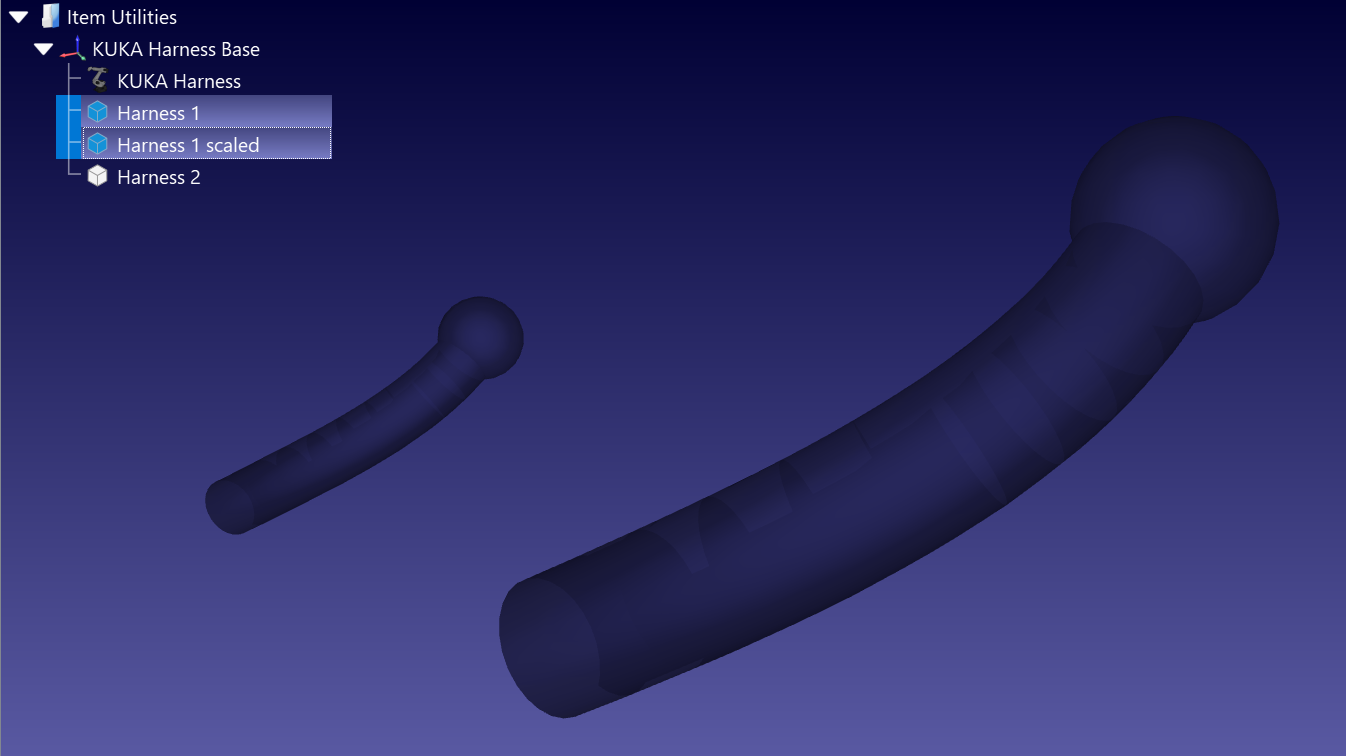
This action resizes objects and curves. Enter one factor per axis in the Scale (x,y,z) field to scale evenly or to stretch the model along X, Y or Z independently. The factors are plain ratios applied from the item’s own origin: 1 leaves the size unchanged, 2 doubles it and 0.001 converts millimetres to metres. Several objects or curves can be selected and scaled at once.
Note: The factors you enter are stored in the station and pre-filled the next time you open the dialog. Confirming them again scales the item a second time, so reset the fields to 1 when you are done. Leaving all three at 1 closes the dialog without changing anything.