Convert Point(s) To Target(s)
Static points cannot be moved to by a robot movement instruction. Hence, the convert point to targets action converts basic coordinate points into functional RoboDK targets in the station tree.
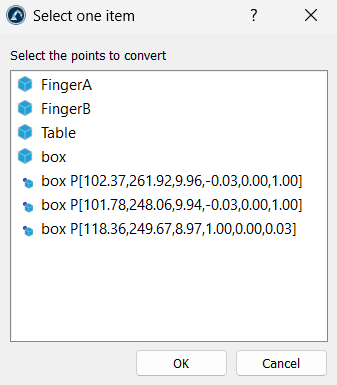
To convert a point to a target, select the point(s) and simply click on the Convert Point(s) To Target(s) option. If the option is clicked without pre-selecting points, a window pops up, allowing you to select the desired points.
The script reads the point's normal vector (I, J, K) and uses it to align the local Z-axis of the new target. This tells the robot which way the tool should face when it reaches that point.
By default, a surface normal points away from the object, which can cause a robot tool to face backward. To fix this, the script includes an Inverse point normal setting (in Utilities ➔ Point Utilities ➔ Settings). When checked, the script multiplies the vector coordinates by "-1", flipping the direction so the robot tool points directly into the surface.


