Sort Points
When importing a point cloud or clicking points manually, they are saved in a specific list order. If they are not in geographical order, the robot will jump across the part, risking hardware damage.
The sorting script creates a clean copy of the object and clears the point order. It looks at the first point, calculates the physical distance to all other remaining points, and picks the absolute closest one as the next step. It repeats this loop until every point is sorted by proximity.
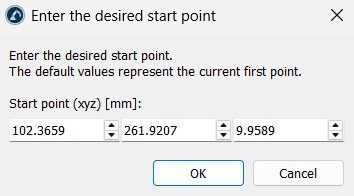
Activating Prompt to enter the first point when sorting in the settings (Utilities ➔ Point Utilities ➔ Settings) opens a dialog box before running. Here, type in an X, Y, Z location to decide exactly where the robot path starts.