Calibrate Frame
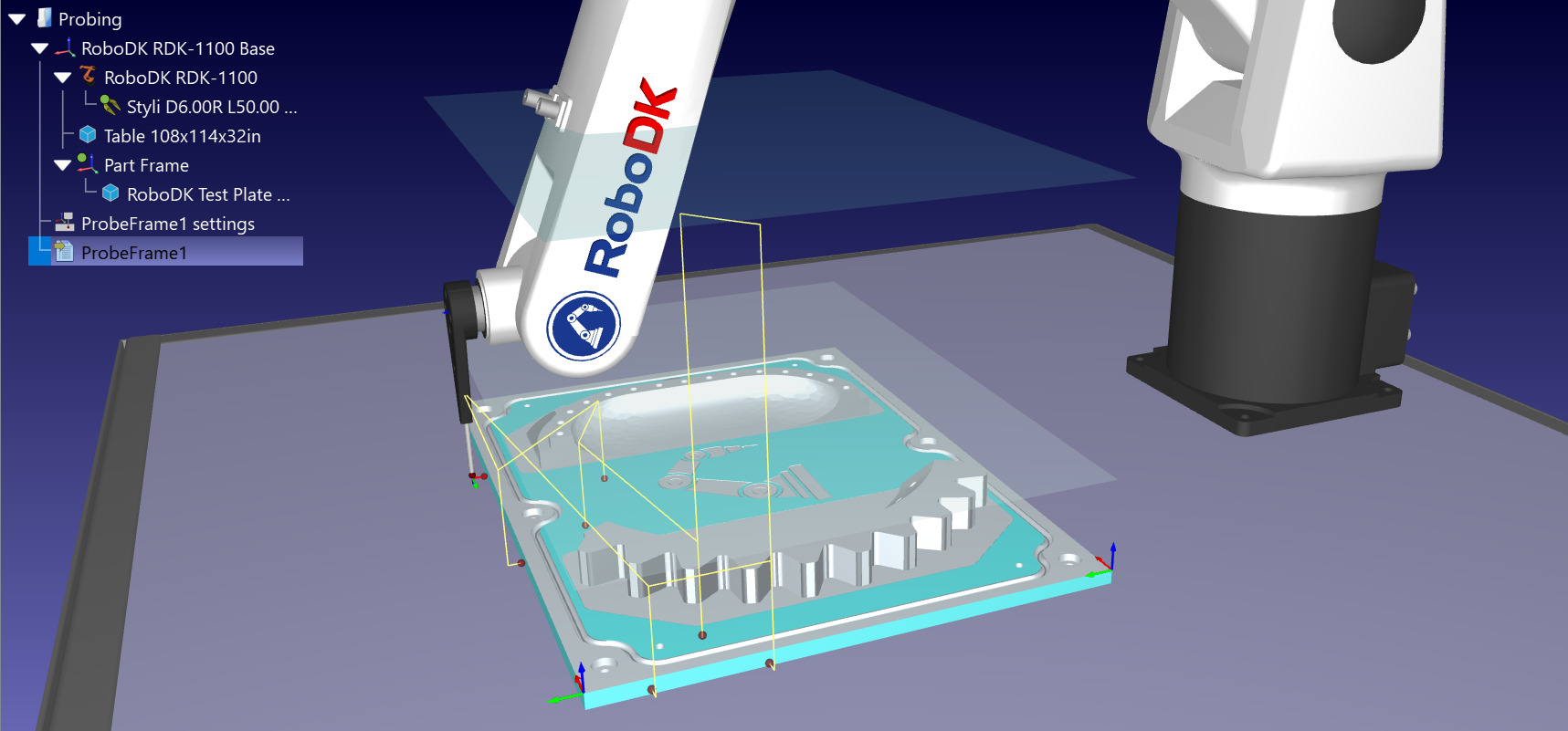
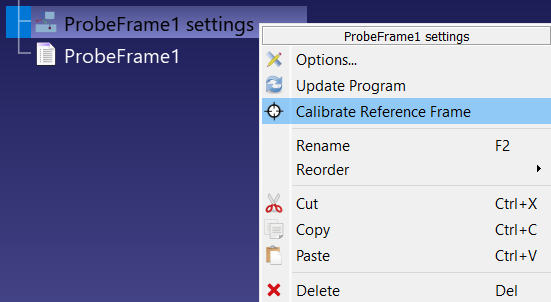
Run the probing sequence and check that every Search Linear instruction came back with a green dot, then right-click the ProbeFrame1 settings item in the station tree and select Calibrate Reference Frame. RoboDK reads the contact position recorded by every search move, best-fits the datums again from those measured points, and compares the result with the nominal frame.
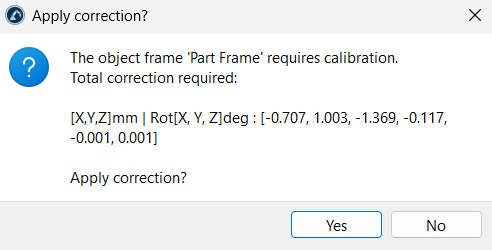
An Apply correction? dialog lists the total translation and rotation needed to match the measured part. Click Yes and RoboDK moves the part reference frame onto the measured position. If the correction is larger than the approach and overtravel distances combined, or if any rotation exceeds 30 degrees, the dialog warns you first — that usually means a point was probed on the wrong feature, so review the sequence instead of accepting it.