Generate Robot Program
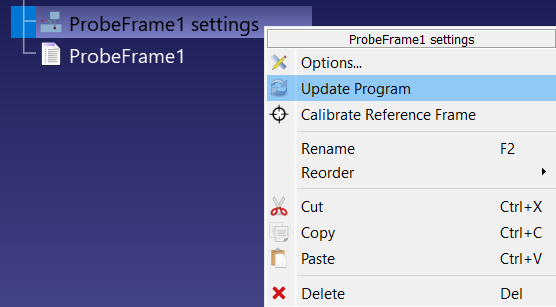
Click Update to generate the robot program for the probing sequence. You can also right-click the ProbeFrame1 settings item in the station tree and select Update Program. RoboDK creates (or replaces) a program named after the project without the word settings, for example ProbeFrame1, and places it right below the project item.