Settings
The Settings window controls how the tracking camera behaves, the default size of the recording window, and the format of the exported media files.
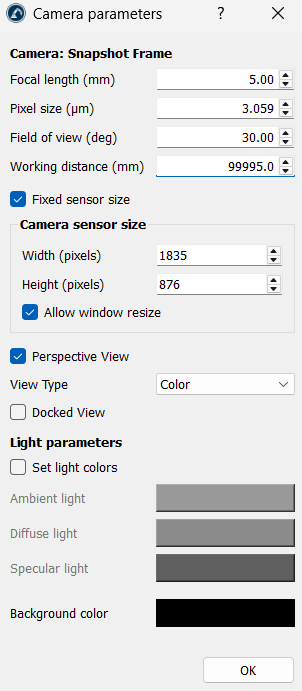
Camera
When the Keep relative position when attaching the camera option is turned on, the camera preserves the exact current viewing angle and distance. As the object moves or rotates, the camera moves with it as if it is attached to it at that exact offset distance. When turned off, the camera snaps to a strict, pre-set directional view alignment relative to the object.
Input
The Default screen size option hard-locks the pixel resolution width and height of the 3D window for recording. Standardizing this layout ensures the videos look consistent and professional.
Output
The Frame per seconds option controls how many individual picture snapshots the Add-in captures every second. Higher values (like 24 or 30) create smooth, cinematic playback for moving robot arms.
The Format option sets the file format for the recordings. The following formats can be set for the Record Add-in's output:
1..mp4: Uses a standard compression format that balances great visual quality with low file size. This is considered ideal for sharing.
2..avi: Uses an uncompressed format that preserves high geometric clarity. This is preferred for video editing.


