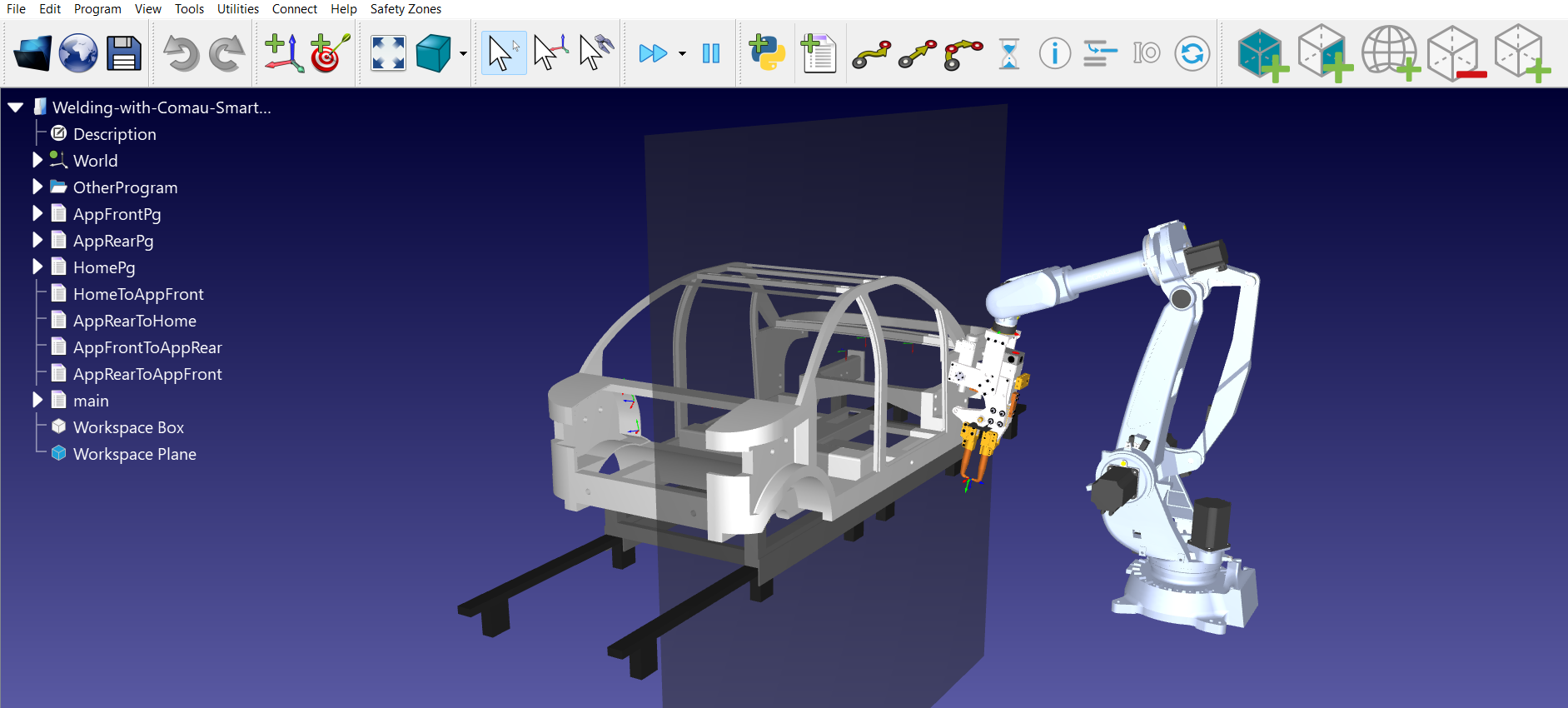
Add Plane
This user interface allows you to create a 2D planar boundary within the robot environment.
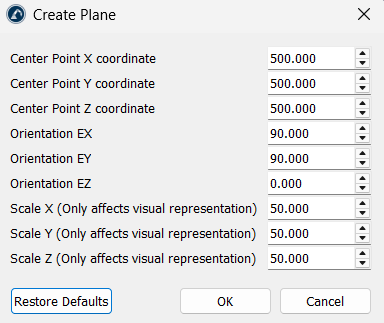
The following parameters are important:
1.Positioning: Specify a Center Point (X, Y, Z) and the Orientation (EX, EY, EZ) of the plane.
2.Scaling: You can adjust the visual scale (X, Y, Z) to make the plane easier to see in the simulation.