Setting Up the Workspace
Once the geometry is defined, link it to a robot and a program so the add-in can generate the corresponding safety instructions.
Create Workspace
The Create Workspace tool converts your station objects into functional safety instructions.
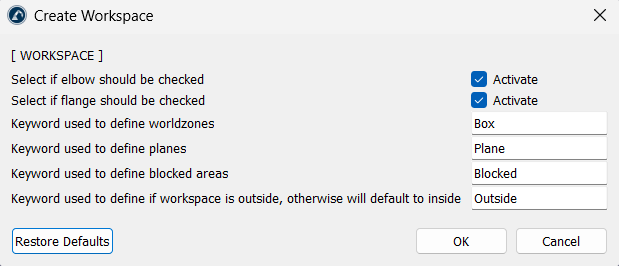
The script automatically identifies items in the station based on their names. Make use of keywords to define the following:
1.World zones (default: "Box")
2.Planes (default: "Plane")
3.Blocked areas (default: "Blocked")
4.Blocked areas identify volumes that the robot should avoid, while the Outside keyword reverses the zone logic so the safe area is outside the selected volume instead of inside it.
If there is a need to monitor the robot’s elbow or flange to check whether it enters the forbidden zone, click on the corresponding "Activate" checkbox.
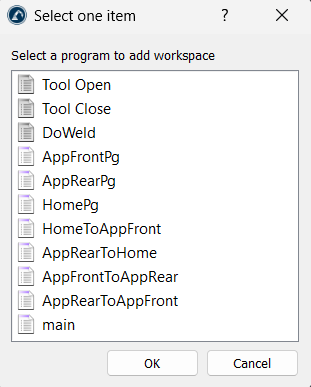
The tool generates a program called AddWorkspaces and adds a call to it in the program you select.
Enable and Disable Workspace
Safety zones can be turned on or off during a robot's operation using the following utilities:
1.Enable Workspace: Adds an instruction to the program to turn on a specific safety zone.
2.Disable Workspace: Adds an instruction to turn off a specific zone when it is no longer needed for a task.


