Tips and Best Practices
We recommend you follow these best practices when using the Safety Zones Add-in.
1.Ensure that the workspace objects include correct keywords ("Box", "Plane", "Blocked") so the add-in can find them automatically.
2.If a post-processor does not support safety zones, RoboDK will show a message accordingly.
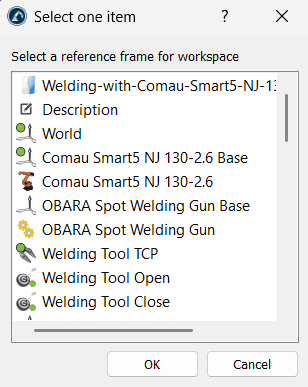
3.When creating a workspace, the tool will ask you to select a reference frame. It is best to use a consistent frame so the coordinates exported to the controller match your physical setup.
4.Always make the virtual safety boxes slightly larger than the real-world obstacles to account for small calibration differences between the simulation and the real robot.


