Usage
The Surface Pattern Generator Add-in acts as a one-click-solution to generate robot tool paths with only the part object. Follow the steps below to use this Add-in:
1.Open the station file and position a target frame facing the part surface.
2.Click on the Surface Pattern Generator icon on the toolbar.
3.Select the target part model in the popup prompt (appears only if there is more than one object item in the station).
4.Adjust sizes, step gaps, and connection toggles inside the settings panel.
5.Click OK to process.
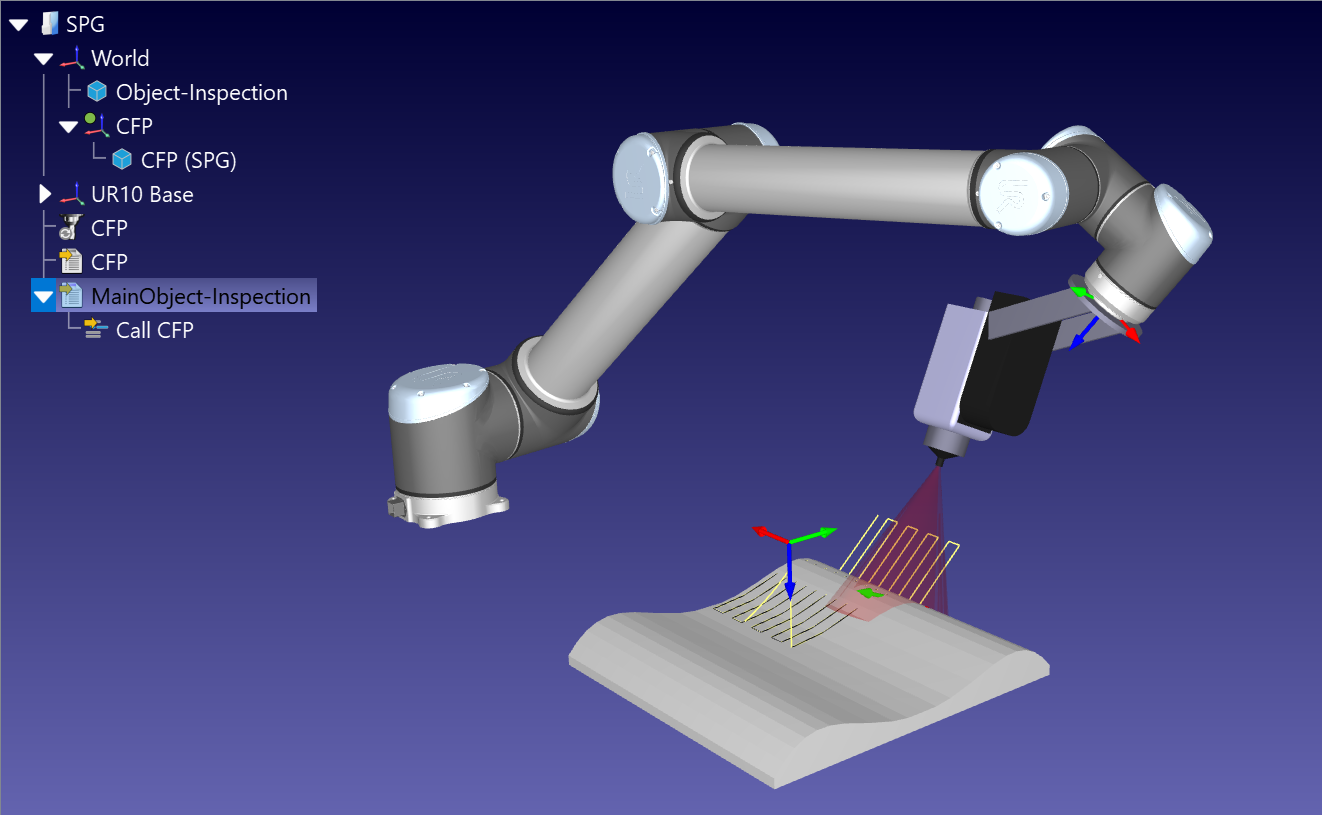
The Add-in generates a geometric line object under the target frame we added in the first step, creates a Curve Follow Project, solves the toolpaths, and compiles a main program sequence automatically.