Cutter Tool Library
The Cutter Tool Library is the collection of machine cutting tools, or end mills. These tools or cutters are what is attached to the robot main tool (e.g. spindle).
Select CAM - Cutter Tool Library or the corresponding icon on the CAM toolbar to show the library of cutters.

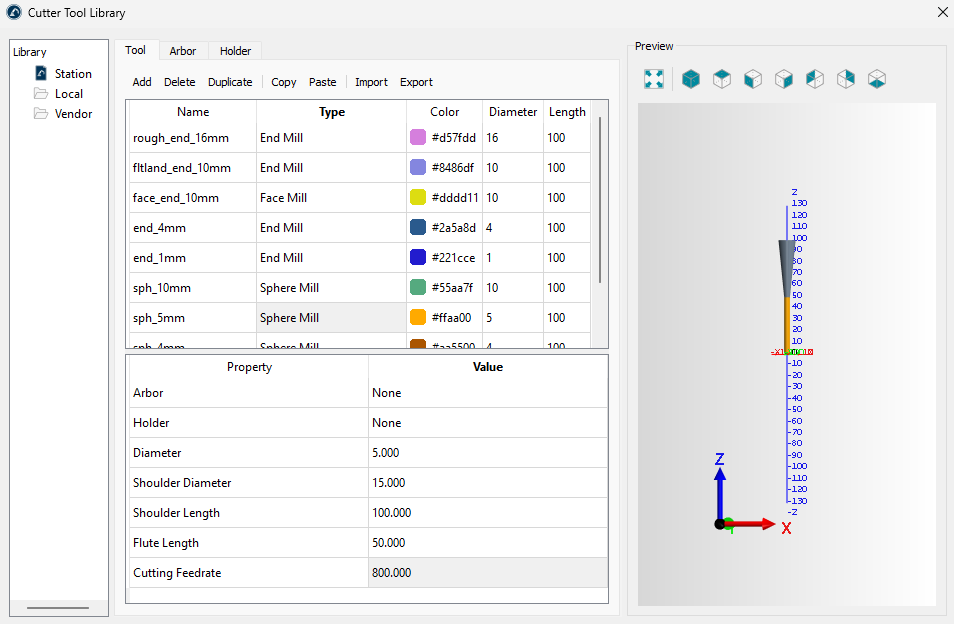
The library window contains three tabs for specifying tools, arbors and holders in tabular form.
If your RoboDK station already contains any robot tools (cutters), they will be displayed in the Cutter Tool Library window. If there are no cutters in the station, you can create them directly in the Cutter Tool Library window using the Add button on the Tool tab.
At the top of the Tool tab, it is necessary to set the tool type. Here, you may also rename the tool or set the color of the cutting edge. To change the corresponding fields, double-click.
At the bottom of the Tool tab, the parameters of the current tool are edited. Different sets of parameters are available for different tool types. For example, an end mill has four main parameters: diameter, shoulder length, flute length and cutting feedrate.
The tool arbors and tool holders are defined in the corresponding tabs of the Cutter Tool Library window.
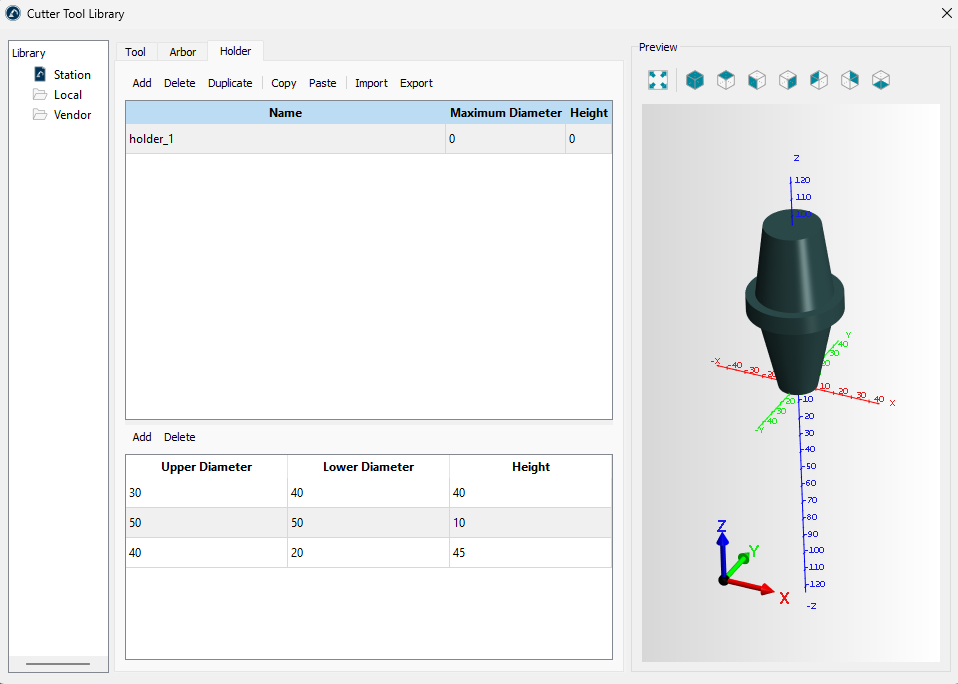
A tool arbor or holder is conventionally represented by a set of cones drawn together. The lower part of the Arbor or Holder tab allows you to specify geometric parameters of cones that make up an arbor or a holder respectively. Several tools can use the same holder or arbor at the same time.
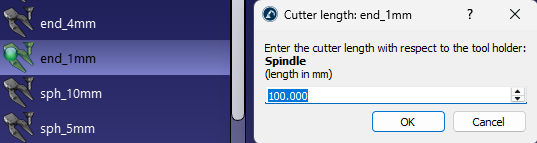
A robot tool with cutting capability is also a Cutter in RoboDK. When you have a cutter, you can adjust the TCP along the Z axis of the holder: