hyperMILL Setup
Follow these steps to install the RoboDK AddIn for hyperMILL.
1.Download the plugin:
https://robodk.com/files/upload/hyperMILL_AddIn_RoboDK.zip
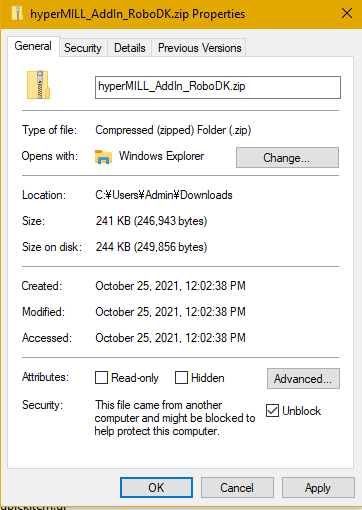
2.Mark the plugin as safe: right click on the ZIP folder, select Properties and check the option Unblock.
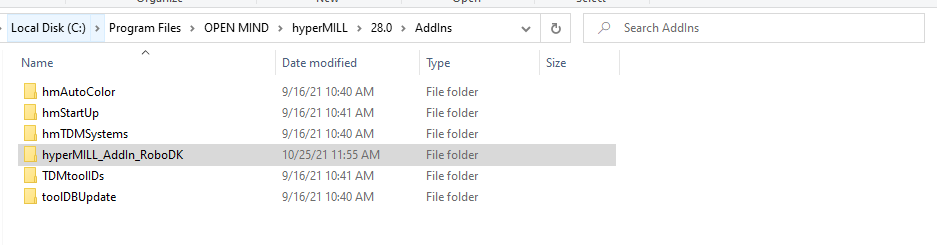
3.Extract the contents of the ZIP folder to “C:\Program Files\OPEN MIND\hyperMILL\28.0\AddIns”, or your equivalent installation directory.
The plugin folder should look as shown in the following image.