Attach object
The attach object simulation event allows you to attach one object to a tool to simulate a pick action.
When the action to attach an object to a tool is triggered, the closest object to the selected tool will be attached. A default tolerance of 200 mm is used to ignore any objects farther than this distance.
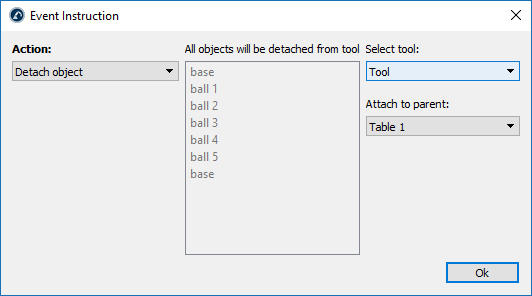
If you don’t specify a distance tolerance, the global default value will be used (you can change the global default in Tools➔Options➔Maximum distance to attach an object to a robot tool). Also, by default, the distance is checked from the TCP location to the object reference. Alternatively, it is possible to use the distance between the TCP and the object geometry by selecting Check shortest distance between TCP and the object shape.


