Wait for object
The Wait for object instruction waits for an object to be in contact with another object to trigger a specific action.
This event is useful when you want to trigger an action based on contact between objects. It is common to place this instruction by itself in a program running in a loop that performs a specific action when an object is in contact with a sensor.
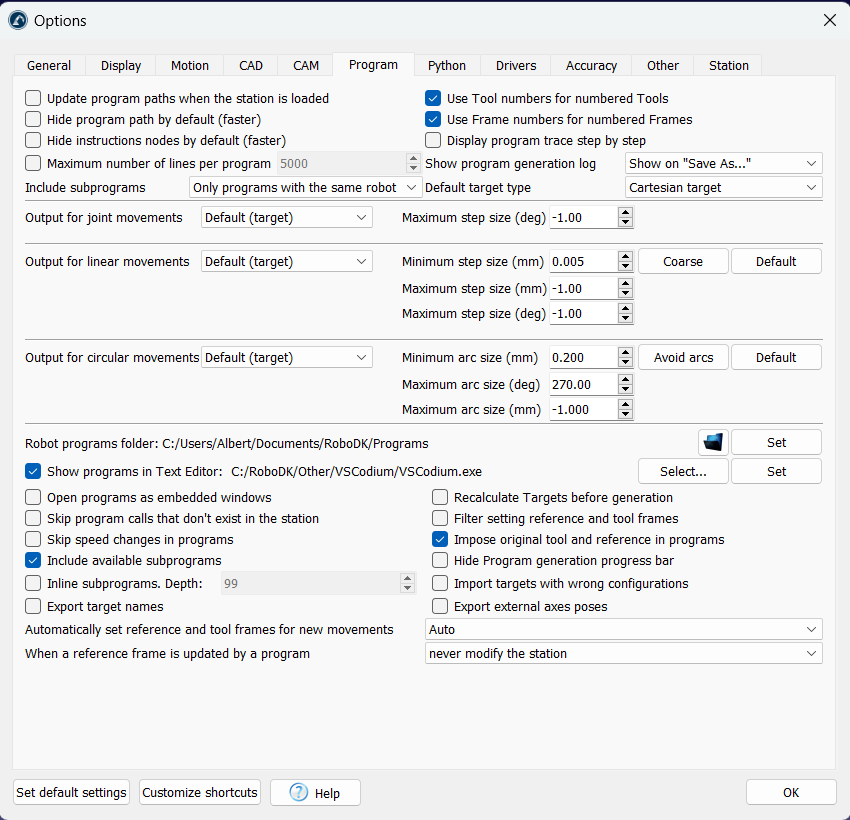
The actions you can perform when an object is in contact with the sensor are the following:
1.Stop a robot: you should select the robot or mechanism that should stop.
2.Delete an object: the object should be removed from the station.
3.Wait for the object only (for example, you can trigger a robot to pick an object).
4.Move an object to another coordinate system. For example, to attach an object from one conveyor to another.