Import the Program Script
The first step to run RoboDK programs on a FAIRINO robot includes importing the Lua script. Follow these steps to import the .lua file into the console.
1.From the top toolbar in the Program Teaching screen, click the Import icon.
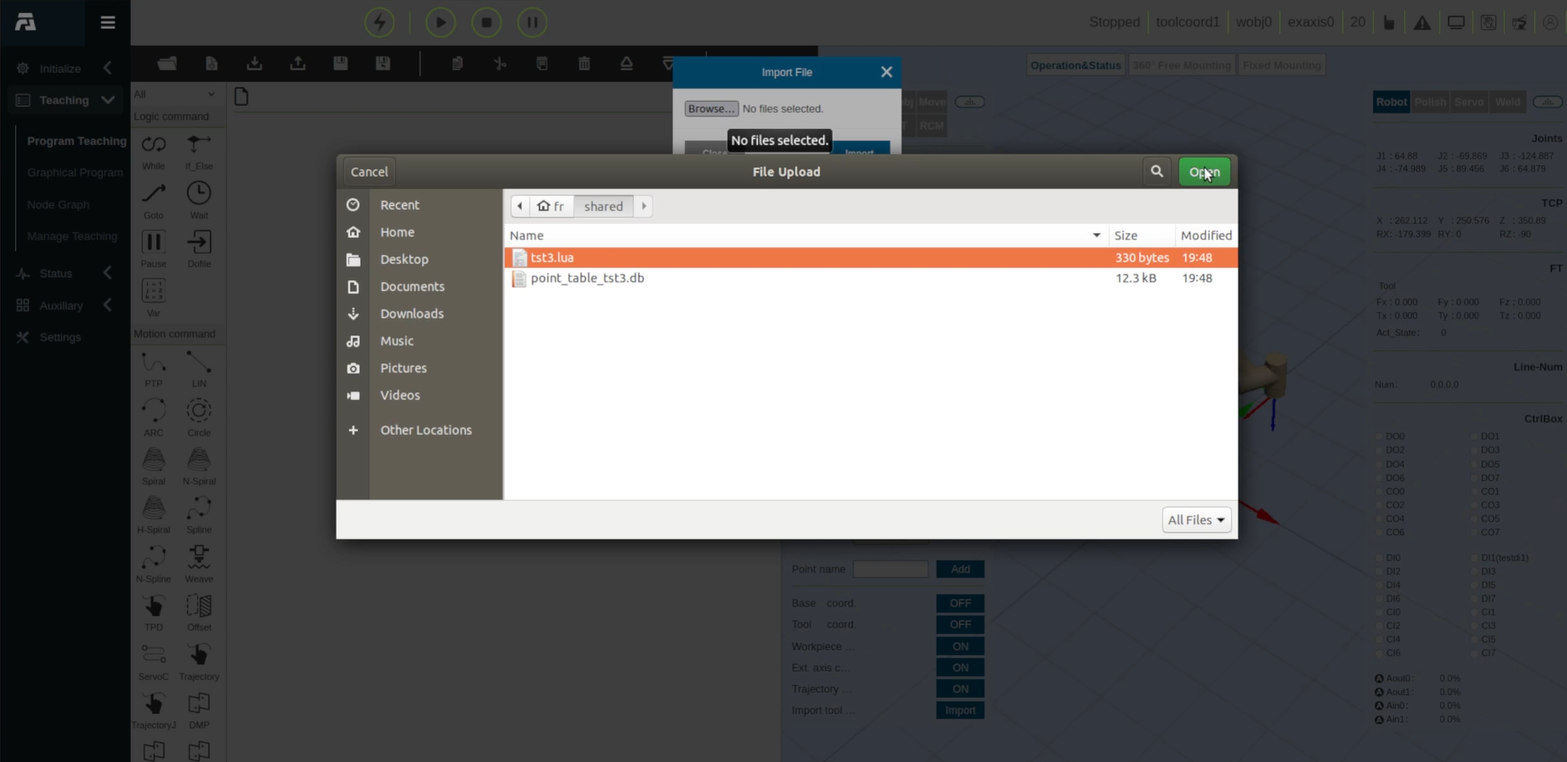
2.In the Import File dialog, click Browse....
3.In the file browser dialog, navigate to the target folder and select the script file (e.g., tst3.lua in the screenshot that follows).
4.Click Open, then click Import to upload the file to the console.