



Good day,
we are currently learning how the curve following module works for blade cutting.
We want to cut a rectangle with a blade meaning the toolpath need to retract and reorient between cuts. We have tinkered with the curve following parameters a bit to see if this is possible but the generated path is not wat we intended.
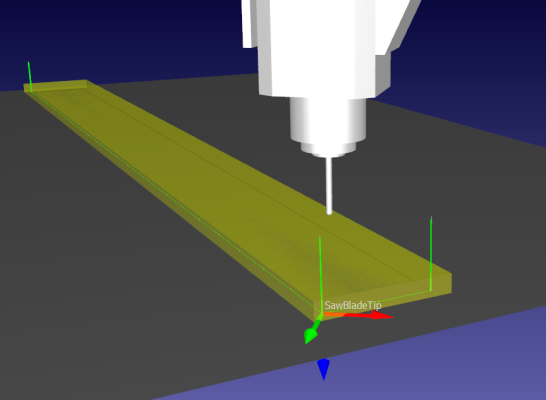
We managed to edit the generated path instructions so that it behaves as intended but this is not feasible for more complex paths.
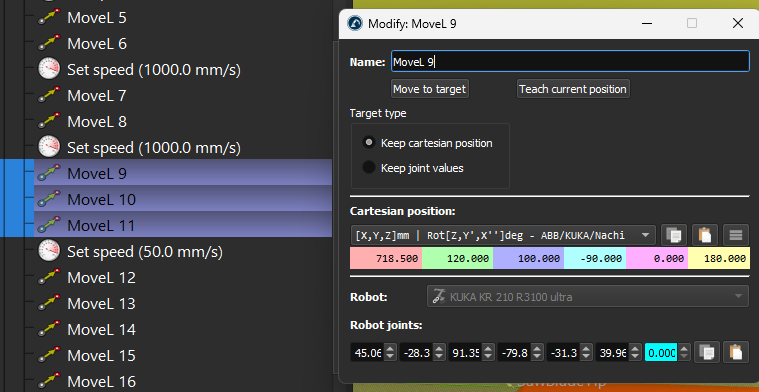
Is there a way to generate the toolpath automatically just by tweaking the curve following project parameters?
we are currently learning how the curve following module works for blade cutting.
We want to cut a rectangle with a blade meaning the toolpath need to retract and reorient between cuts. We have tinkered with the curve following parameters a bit to see if this is possible but the generated path is not wat we intended.
We managed to edit the generated path instructions so that it behaves as intended but this is not feasible for more complex paths.
Is there a way to generate the toolpath automatically just by tweaking the curve following project parameters?
