With its distinctive, sleek white branding and sunshine-orange robots, Stäubli is a key player in the robotics industry. But what’s the best way to program Stäubli robots?
From high-speed SCARA robots — like the TP80 — to compact 6-axis arms — like the RX60 — Stäubli robots are a stalwart of many production environments. This Swiss-based manufacturer has been expanding globally ever since its beginnings as a weaving technology pioneer in 1892.
In this essential guide, we’ll explore what makes Stäubli robots unique and explain the different options for programming them easily and efficiently.
Who Are Stäubli?
Founded in 1892 in Switzerland, the Stäubli Group began as a manufacturer of weaving machines. In the beginning, the company gradually added new technologies to their textile machines, from quick couplings to pneumatics and hydraulics.
It wasn’t until almost a century later, in 1982, that robotics entered the company’s catalog. Beginning with their distinctive SCARA robots, this marked a key shift towards being the robotics company that we know today.
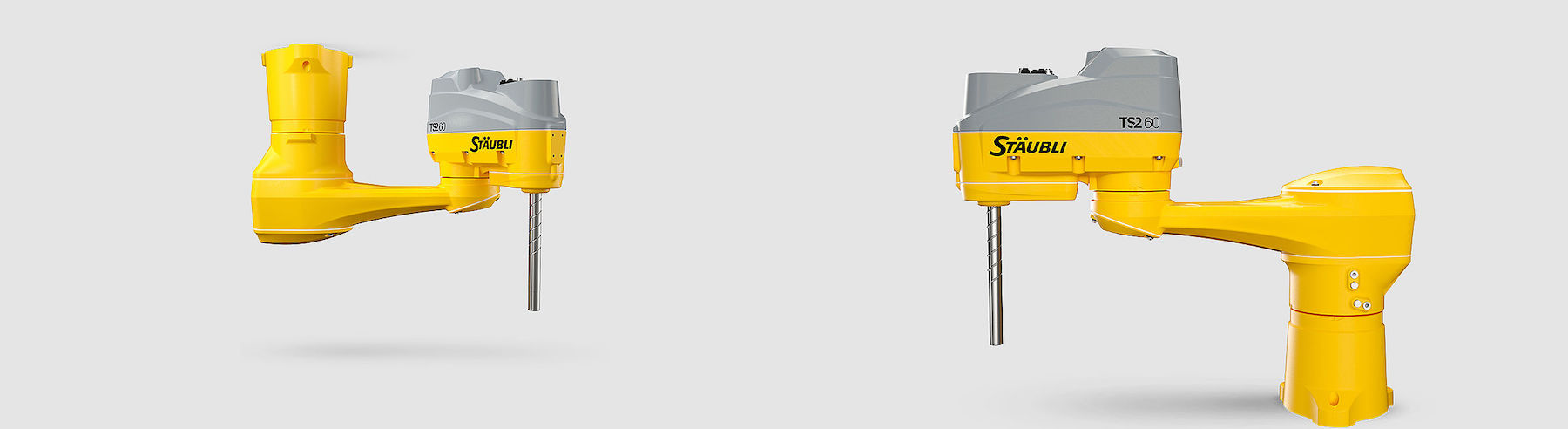
Over 130 years, the company has continually pushed the boundaries of automation technology. Their core aim is to develop solutions for safe, easy to deploy industrial processes.
Stäubli robots are now used in many industries, but the company maintains strong links to the textile industry.
Where Stäubli Robots Excel: High-Precision Industrial Applications
The company’s robots are recognized globally for their high precision and reliability. Stäubli’s focus on mechanical quality and integrated control allows its robots to perform with high accuracy across industries.#

A few of the vast range of common Stäubli applications include:
- Electronics and Semiconductor Manufacturing — Robots like the distinctive Stäubli SCARA robots handle delicate components in cleanrooms.
- Pharmaceutical and Medical Device Production — With the company’s [specialism in robots for sterile environments][STERI], they are often used in pharmaceutical settings.
- Automotive and Aerospace — Performing small-parts assembly, gluing, and testing operations, Stäubli robots are used for a range of tasks across the automotive industry.
Whatever your industry, it’s likely that there are Stäubli models that are perfectly suited to your application and needs.
Programming Stäubli Robots: The 3 Core Options
There are several ways to program a Stäubli robot, each suited to different levels of programming expertise and experience.
Let’s explore the three most common options for programming the company’s robots:
1. VAL3 Programming Language
Like most industrial robot manufacturers, Stäubli has its own proprietary programming language that is used in the company’s Robotics Suite software.
VAL3 is a dedicated robot programming language that extends from its predecessor VAL II. Rather confusingly, it is unrelated to Variable Assembly Language (VAL), a programming language from the 1970s.
If you are an experienced programmer with a need to program your robot at a low-level, it might make sense to learn VAL3.
2. Teach Pendant Programming
A robot’s teach pendant is the traditional route for programming industrial robots. Stäubli’s range of teach pendants includes both graphical and text-based programming options.
Although teach pendants are ideal for making minor adjustments, they all suffer from a common issue. You must take your robot out of production to change the programming — this leads to delays and can waste valuable time that the robot could be operating.
3. RoboDK: Offline Programming for Stäubli Robots
RoboDK offers an intuitive and powerful way to program Stäubli robots without interrupting production.
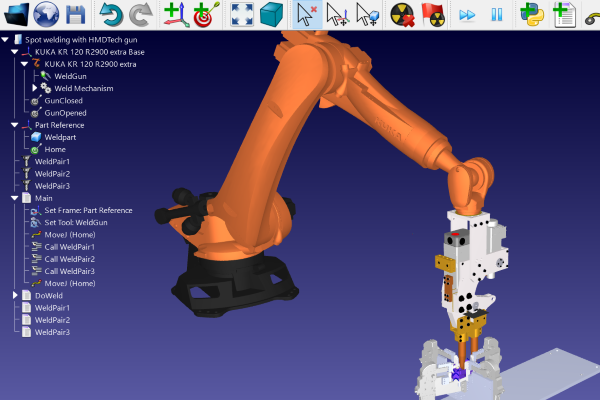
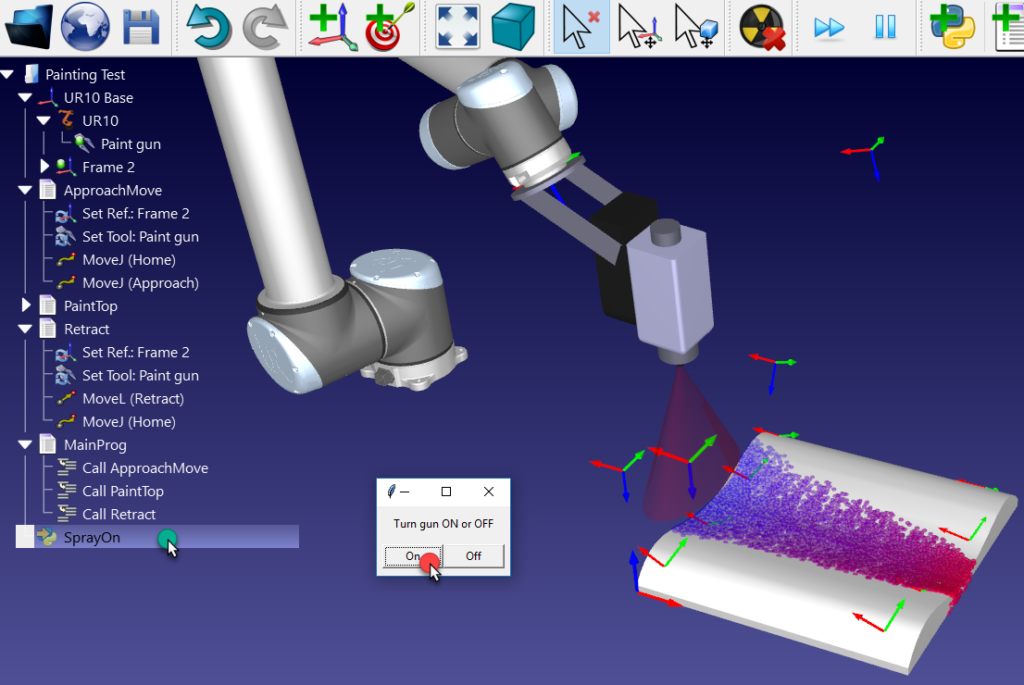
With RoboDK, you can program, simulate, and optimize your robot programs within a graphical simulator environment. You can then use offline programming to send the program directly to your Stäubli robot and even control the robot in real time.
By integrating RoboDK into your setup, you gain:
- CAD/CAM Integration — Our CAD/CAM plugins allow you to import tool paths directly from your preferred design software and export them directly to your Stäubli robot.
- Offline Simulation — Through simulation, you can validate trajectories, test the robot for reachability, and avoid costly collisions.
- Calibration and Toolpath Optimization — RoboDK’s in-built calibration features allow you to fine-tune your paths for applications like precision machining, inspection, and pick-and-place.
Spotlight on 3 Stäubli Robots in the RoboDK Library
Our extensive Robot Library contains over 1,200 industrial robots from 80+ brands, including dozens of models from Stäubli.
Here are three Stäubli robots featured in the RoboDK library:
1. Stäubli TX90

The Stäubli TX90 is a 6-axis robot with a 6 kg payload and 900 mm reach. It includes IP65 ingress protection, compatibility with sterile environments, and even comes in customizable colors.
The manipulator offers excellent repeatability (±0.03 mm) and is perfect for precision machining, testing, and inspection applications.
2. Stäubli RX60

The Stäubli RX60B and RX60BL are versatile robots that are often found refurbished. They are ideal for tasks like assembly, material handling, and dispensing.
These two similar models differ in that there is a trade-off between reach and payload capacity. The RX60B has a reach of 600 mm and a payload capacity of 3.5 kg, while the RX60BL has a longer reach of 800 mm but a smaller payload capacity of 2.5 kg.
3. Stäubli TP80

The Stäubli TP80 is one of the fastest SCARA robots in the world. It is often used in the medical manufacturing industry and was instrumental in the production of Covid-19 testing during the 2020 global pandemic.
Capable of over 200 picks per minute, its lightweight design and cleanroom variants make it ideal for high-speed packaging and pharmaceutical lines.
Getting Started with RoboDK for Stäubli Robots
If you’re ready to start programming your Stäubli robot, here’s how to begin with RoboDK:
- Download RoboDK and install it on your computer.
- Search for your Stäubli model in the Robot Library.
- Load the model into RoboDK, create your path, and simulate your process.
- Export your program in VAL3 format and deploy it to your controller.
With its powerful simulation and post-processing tools, RoboDK allows you to go from concept to production faster while maintaining Stäubli’s world-class standards for precision and reliability.
Which Stäubli robot are you programming? Join the discussion on LinkedIn, Twitter, Facebook, Instagram, or in the RoboDK Forum.. Also, check out our extensive video collection and subscribe to the RoboDK YouTube Channel